
Sit back and let us show you around with these demo videos. Click the images below to view the demos.
 |
This 6 minute screencast shows how to perform basic content management tasks in EditMe, including:
|
 |
This 1 minute screencast shows how to add, remove and reorder the links in EditMe's horizontal navigation bar.
|
 |
The next video in this series covers the other navigation tool in EditMe: the multi-level navigation menu that lives, by default, on the left column of EditMe sites.
|
 |
EditMe's blog module allows your site to host multiple blogs with multiple contributors. The blog capability is essentially some glue that combines several features of EditMe to create a chronological list of related pages that always shows the most recent "posts". This video shows you how to install and get started using EditMe's Blog Module. |
The following Flash demos are somewhat dated and are being phased out.
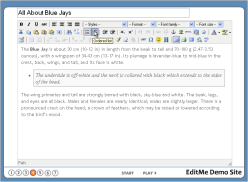 |
Learn the capabilities of EditMe's powerful browser-based editor. |
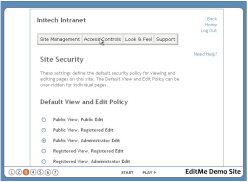 |
Learn how EditMe's powerful access controls allow for an array of flexible configurations. |